Online patient intake forms, completed before patients arrive.
Reduce reception administration and get patients consultation-ready before the appointment, with a secure online intake form they complete themselves.
How PractoSync online intake forms work
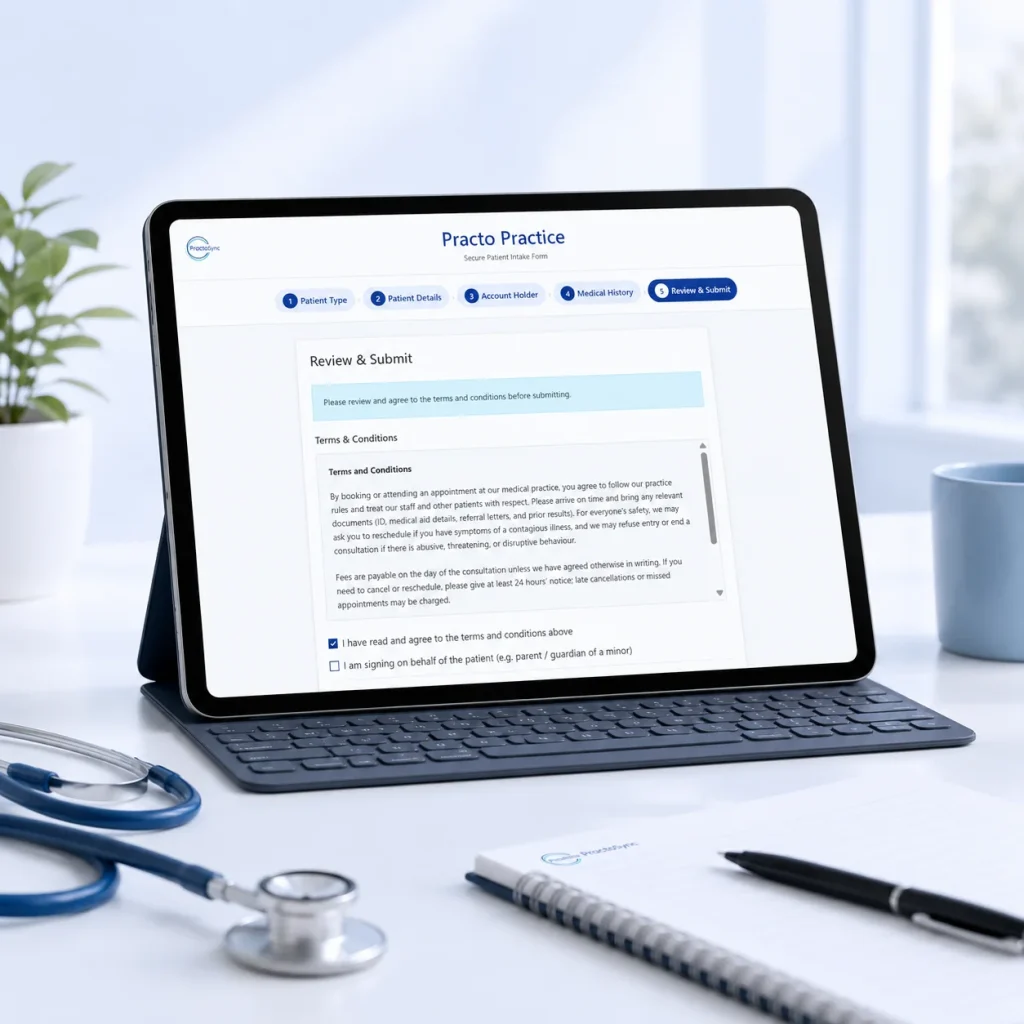
1. Capture once. Use everywhere.
Patient information flows directly into the patient record, medical aid details, clinical workflow and billing process. Not just a PDF that reception must retype.
2. Start every appointment prepared.
Practitioners have the information they need before the consultation starts, while reception can resolve administrative problems beforehand.
3. Custom intake per service or practitioner.
A physiotherapist, occupational therapist, psychologist or other practitioner can ask different questions depending on the appointment or treatment type.
Booking online? New patients can complete their intake form as part of making the appointment with online booking.
Why practices choose PractoSync intake forms
For your patients
- Their own device, their own pace: no clipboards and paperwork in the waiting room.
- Everything done before the appointment: faster onboarding and shorter queues at reception.
- No repetitive questioning: information provided once pre-populates later steps, so patients are not asked the same thing twice.
- Part of online booking: new patients can complete their intake while making the appointment.
For your practice
- Less reception admin: patients capture their own demographics, contact, medical aid and consent details instead of staff retyping paper forms.
- Fewer data-capture errors: no illegible handwriting for ID numbers, medical aid numbers and contact details.
- More complete records: mandatory fields, validation and conditional questions collect information consistently.
- Built-in consent and compliance trail: privacy acknowledgements and practice terms captured with a timestamped record.
- Better prepared practitioners: review medical history, referrals and symptoms before the patient enters the room.
- Better billing readiness: medical aid, account holder, dependant and referral details are checked before you invoice or submit a claim.
- Automatic workflow triggers: flag missing information, identify records that need review and prepare the patient record for the appointment.
Let patients capture their information once so your practice can use it everywhere.
Turn patient paperwork into a digital workflow.
Patient intake form FAQs
Can patients complete intake forms online before their appointment?
Yes. Patients fill in their own details from home, on their own device, before they arrive. The information is on their record by the time they walk in, so reception is not capturing it at the desk.
How do patients receive the intake form?
You can send it by email or by SMS when the appointment is made, so the patient gets it while the booking is still fresh. It can also be sent later from the appointment itself if they have not completed it yet.
Do patients need an app or a login to fill it in?
No. The form opens from a link in a normal web browser, so there is nothing to install and no account to create. It works the same on a phone, a tablet or a computer.
Can patients complete the form on their phone?
Yes. The form is built to be filled in on a phone, which is where most patients will open the link. They can start on one device and the practice sees the result either way.
What information can the intake form collect?
Personal and contact details, medical aid information and the clinical questions your practice needs before the first consultation. Because medical aid details come in with everything else, the billing side is not waiting on them later.
Can we choose which questions the form asks?
Yes. The intake form is built from templates your practice controls, so you decide what is asked and in what order. Different practices need different information, and a physiotherapist’s first consultation is not an audiologist’s.
Do patients give consent through the form?
Yes. Consent is captured as part of completing the form, and it is stored with the date, time and the address it was submitted from rather than as a simple tick. If somebody completes the form on a patient’s behalf, such as a parent or guardian, that is recorded too.
Does the information go straight into the patient record?
Yes. What the patient submits becomes their record, so nobody re-types it. From there it is available to the appointment, the clinical notes and the invoice.
Can the intake form be part of an online booking?
Yes. When a new patient books through online booking, the intake form is built into the booking itself. They complete their details as part of making the appointment rather than in a separate step.
What happens if a patient arrives without completing it?
Nothing breaks. Reception can capture the details as they always have, or resend the link so the patient completes it on their own phone in the waiting room.