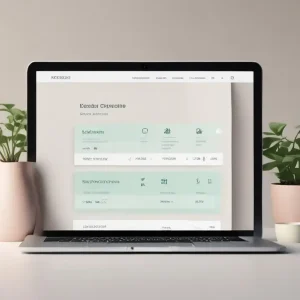
Clinical Notes

Clinical notes software for medical practices.

Focus on the patient, not the paperwork.

Capture clinical notes your way with custom templates, free-form notes, handwriting, media and files, or let SyncTo record, transcribe and summarise the consultation for you.

How clinical notes work in PractoSync

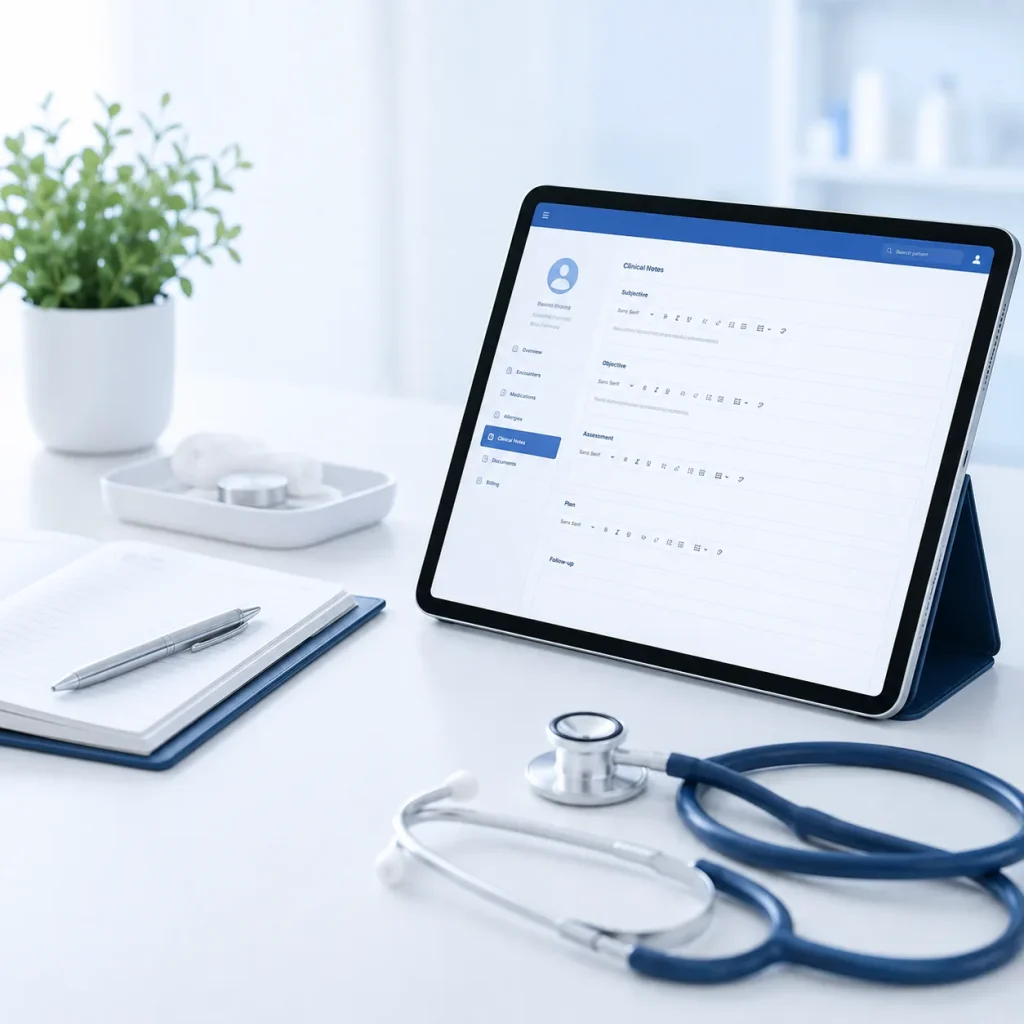
Clinical notes capture screen on a tablet with SOAP note sections

1. Document your way

Use structured clinical templates, a traditional notepad, handwritten notes or media uploads. PractoSync adapts to the way you work rather than forcing every practitioner into the same documentation process.

2. Let SyncTo do the note-taking

Record the consultation and let SyncTo transcribe and summarise it into either your chosen clinical template or a free-form note, reducing the time spent writing notes after the patient leaves.

3. See the whole patient journey

Patient History brings previous visits together into an AI-generated clinical overview and visit-by-visit timeline, helping practitioners quickly understand what happened before and how the patient has progressed.

Talk naturally. Finish with structured notes. SyncTo does not just transcribe: it uses the consultation to populate your selected clinical template or create a note in the notepad, connecting AI to the way you actually document.

Why practices choose PractoSync clinical notes

For your practitioners

  • Choose how you capture clinical notes: structured templates, free-form notes, handwritten documentation or media-based records. Not every consultation or practitioner works the same way.
  • Meet SyncTo, your AI documentation assistant: it listens to the consultation, creates a transcription and turns the conversation into structured clinical documentation. Talk naturally during the consultation; finish with structured notes.
  • AI that works with your templates: SyncTo does not only generate a generic summary. It populates your selected clinical template or creates a note in the notepad, connecting AI with your actual workflow.
  • Spend more of the consultation with your patient: less active typing and post-consultation documentation means more time listening, observing and treating.
  • Patient History powered by AI: see an AI-generated overview of the patient’s history instead of opening note after note.
  • See every visit in context: the patient timeline moves through previous consultations and the focus and outcome of each visit, turning individual notes into a clinical story.
  • Track progress over time: compare previous sessions to understand progression, recurring issues and how treatment has evolved.

For your practice

  • Custom clinical templates: build templates that reflect the assessments and clinical workflows used by your practice, with selections, assessment fields and defined clinical sections rather than one long paragraph.
  • Consistent documentation: practitioners capture comparable, structured information without working from generic forms.
  • Capture diagnoses alongside the clinical record: diagnoses form part of the patient’s clinical journey rather than living separately from the consultation history.
  • Keep supporting files with the patient: upload reports, referrals, assessments and other clinical documents so treatment information stays connected to the patient record.
  • Add clinical media: photos and other media form part of the clinical record where visual documentation supports treatment.
  • Connected to the rest of the practice: the clinical record sits alongside the patient’s appointments, cases, diagnoses and files, so information is captured once and used everywhere, not locked in an isolated notes application.

Let AI handle the documentation so you can focus on the patient.

More time treating. Less time documenting.

Clinical notes FAQs

Can I use my own clinical note templates?

Yes. Your practice builds its own templates with the assessment fields and clinical sections you actually use, rather than working from a generic form. Different professions document differently, so the template is yours to define.

Do I have to use a template, or can I write freely?

Either. You can work from a structured template or write a free-form note, and different practitioners in the same practice can work differently. Nobody is forced into one documentation style.

Can I attach handwritten notes, photos or scans?

Yes. Handwritten documentation, images and other files can be kept with the consultation they belong to. They stay on the patient’s record rather than in a separate folder somewhere.

Can the AI write my clinical notes for me?

Yes. SyncTo listens to the consultation, transcribes it and turns it into a structured note. You review and correct the draft before anything is saved to the record.

Does the AI fill in my template, or just write a summary?

It fills in your template. SyncTo routes what was said into the fields of the template you selected, so the output matches how your practice already documents rather than arriving as one generic paragraph.

Can I see a patient’s previous notes while I write?

Yes. Patient History brings previous consultations together as a timeline with a summary, so you can see how treatment has progressed without reading back through months of notes.

Are diagnoses captured with the note?

Yes. Diagnoses and ICD-10 codes are recorded as part of the clinical record rather than living separately from it. That keeps the diagnosis attached to the consultation it came from, and available when the claim is prepared.

Can I invoice directly from a completed note?

Yes. Finishing a note carries straight on into invoicing without searching for the patient again. The note, the appointment and the invoice all stay attached to the same record.

Who can see clinical notes?

Access follows the role you give each person, and it is enforced on the server rather than only hidden in the interface. Clinical information stays with the clinicians; administrative staff see what they need for booking and billing.

Can notes be captured on a tablet?

Yes. Notes can be written on a tablet in the consulting room rather than only at a desktop computer. That is also where SyncTo is designed to be used.